Procedure for viewing the defined server configurations
The Server Information interface enables viewing all the server configuration settings defined in the system.
Optional: Log on to the CGE UI by pointing a browser at http://machine-login1:3756/login, entering credentials and then selecting the Login button.
This step is optional, depending on how the interface has been configured
Access the Database Information interface using one of the following mechanisms:
Point a browser at http://machine:3756/dataset/info, where machine is the machine running the CGE web server.
Select Database Information from the Configuration Management drop down on the CGE UI
Figure: Server ConfigurationsThe information displayed on the Server Information interface includes information about the log and NVP configurations of the server, as well as the results output directory.
Here you can select how you would like to receive your query results. The Generic Formats section at the top of the list enables specifying the general form of the desired output with the server automatically selecting a suitable output format depending on the type of query being made. It is also possible to select a specific tabular or graph results format from those supported. Note that if a specific format is selected, it must be compatible with the type of query being submitted, otherwise the system will return the following error:
Figure: Error Example
If the system returns this error, select an alternative output format that is compatible with the type of query being executed.
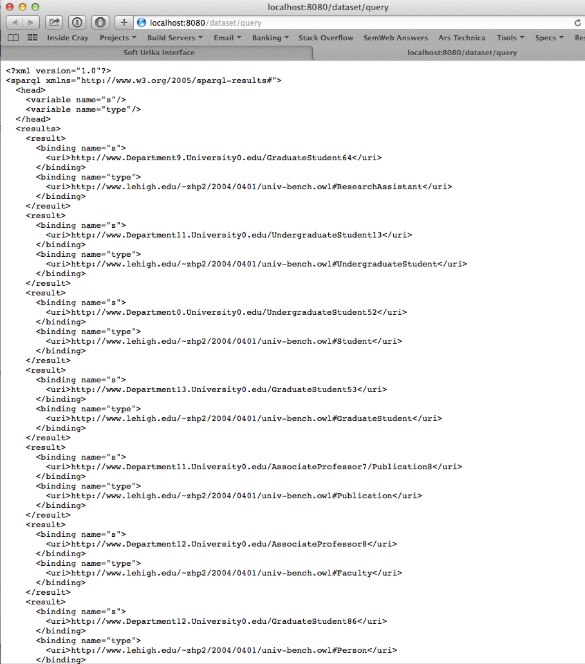
To run the query simply, select the Run Query button, which will send the query to the server and then deliver the results to the browser. The browser interface uses the selected Output Format above or standard HTTP content negotiation to determine the output format in which to return the query results. Most browsers out of the box will receive results in an XML/JSON format:Figure: JSON format Example